See the workspace behind the website.
Beacon gives staff one place to manage content, intake, customer information, files, site structure, reporting, AI-assisted tools, and platform administration. These are current Beacon administration screens from the working platform. Exact modules can vary by installation.
Start with a useful view of what is happening.
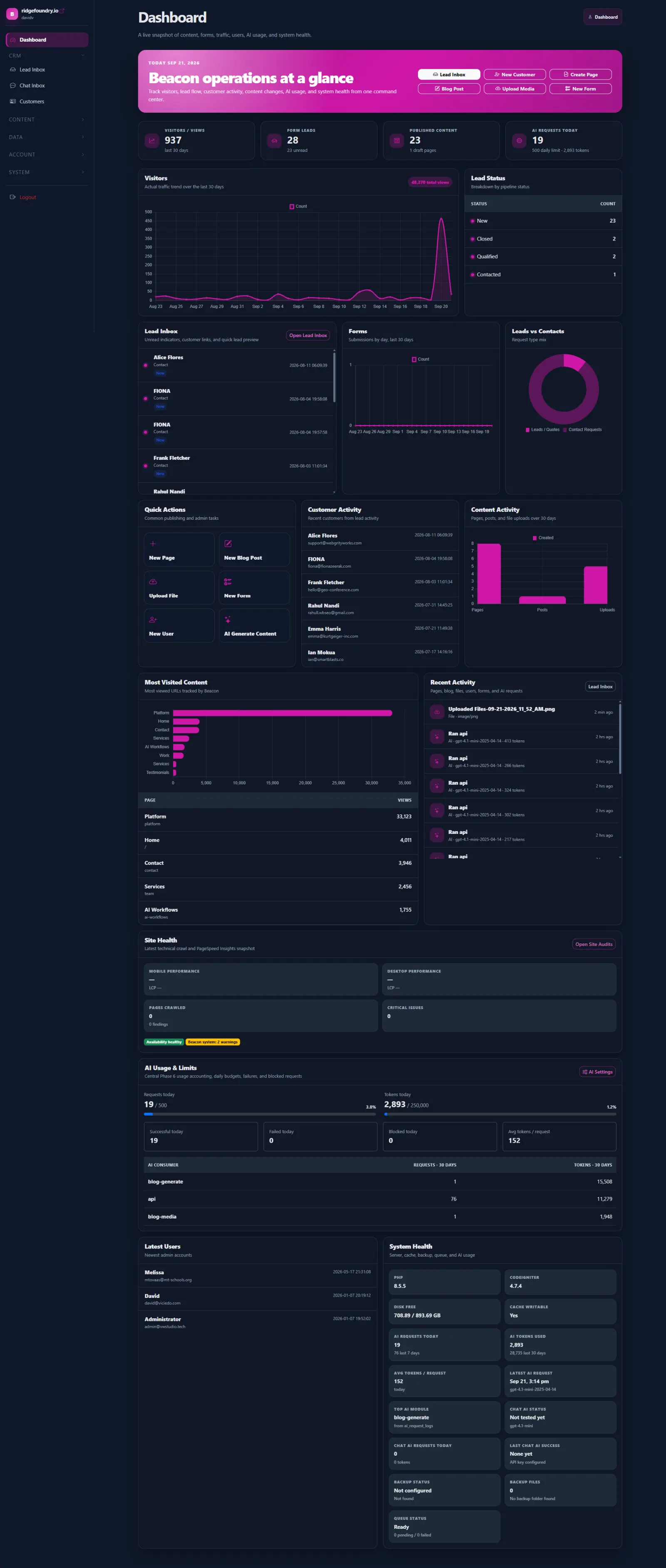
The Beacon dashboard is designed to bring website and operational activity together instead of forcing staff to open several tools just to understand the day.
- Recent website traffic and most-visited content
- Lead activity and recent customer records
- Form and content activity
- System health and background work
- AI usage and other installation-specific operational metrics
Manage the public website without treating every page as a one-off template.
Beacon keeps the normal publishing tools together while still allowing custom content types and modules when an organization needs more structure.
Pages
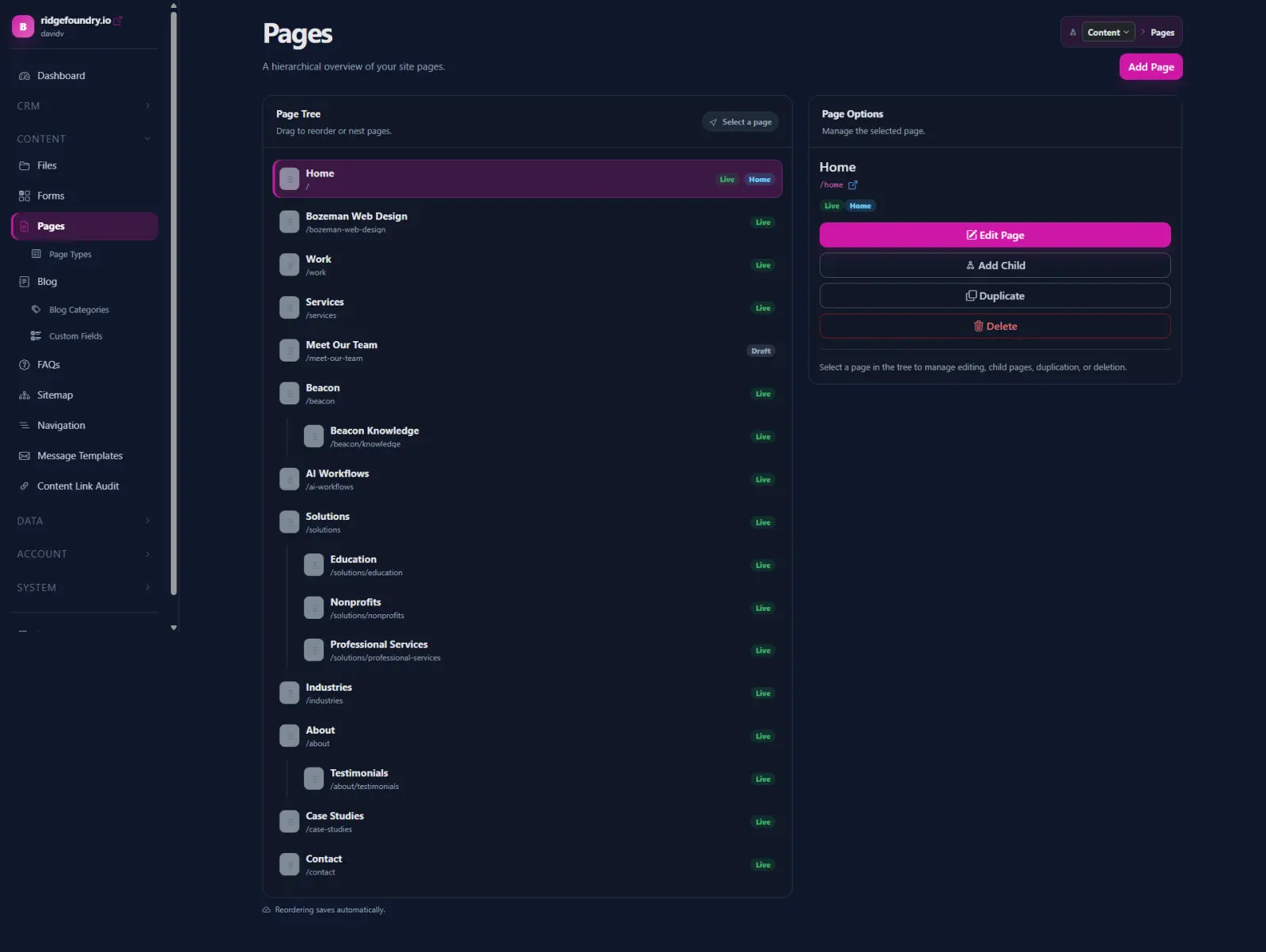
Manage page hierarchy, URLs, publishing status, SEO metadata, layouts, and page-level presentation fields.
- Parent/child structure
- Meta and schema settings
- Theme layouts and publishing state
Page Types + Sections
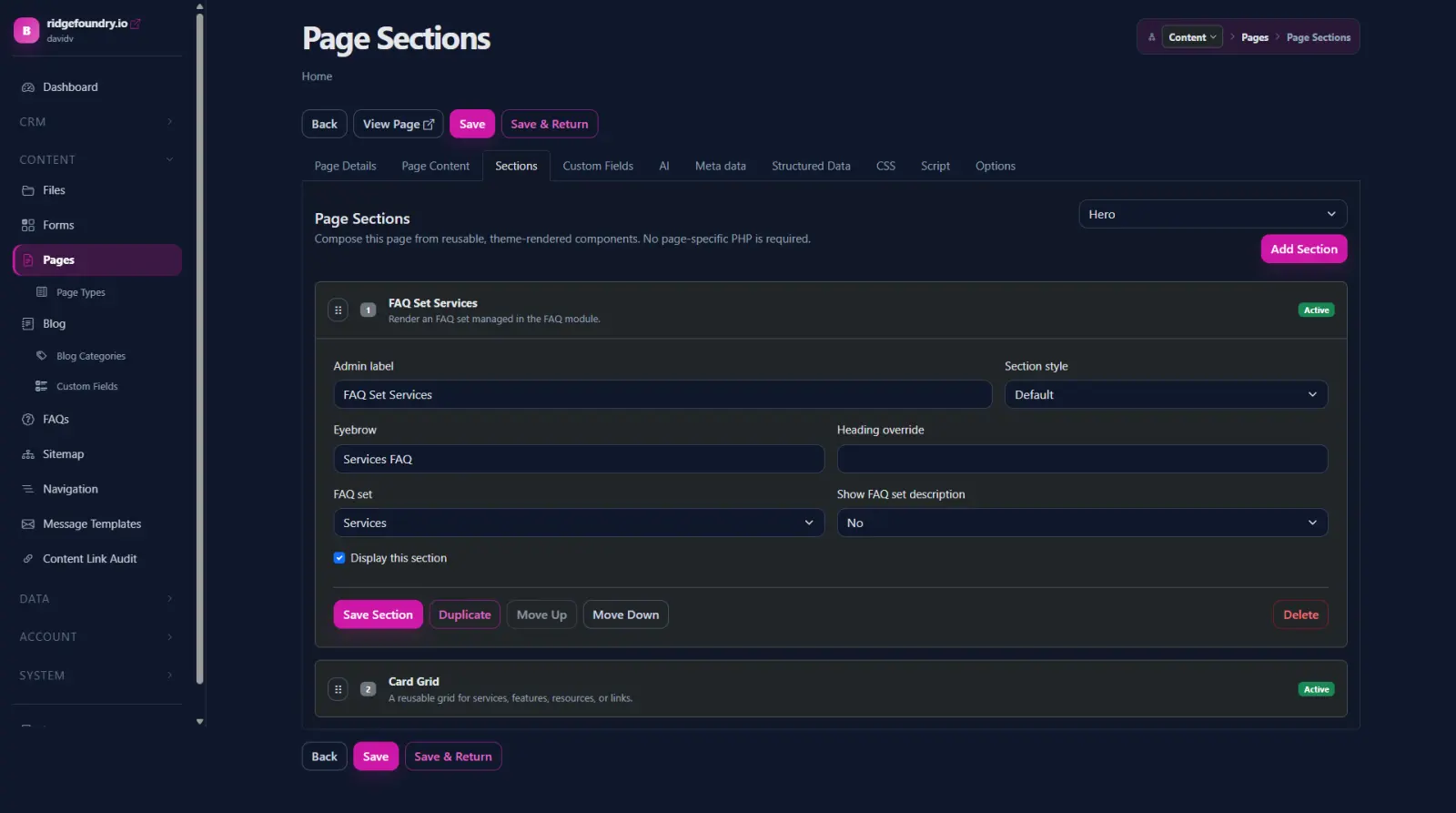
Define reusable content structures instead of rebuilding the same layout for every page.
- Reusable section types
- Drag-and-drop ordering
- Shared fields and structured content
Blog
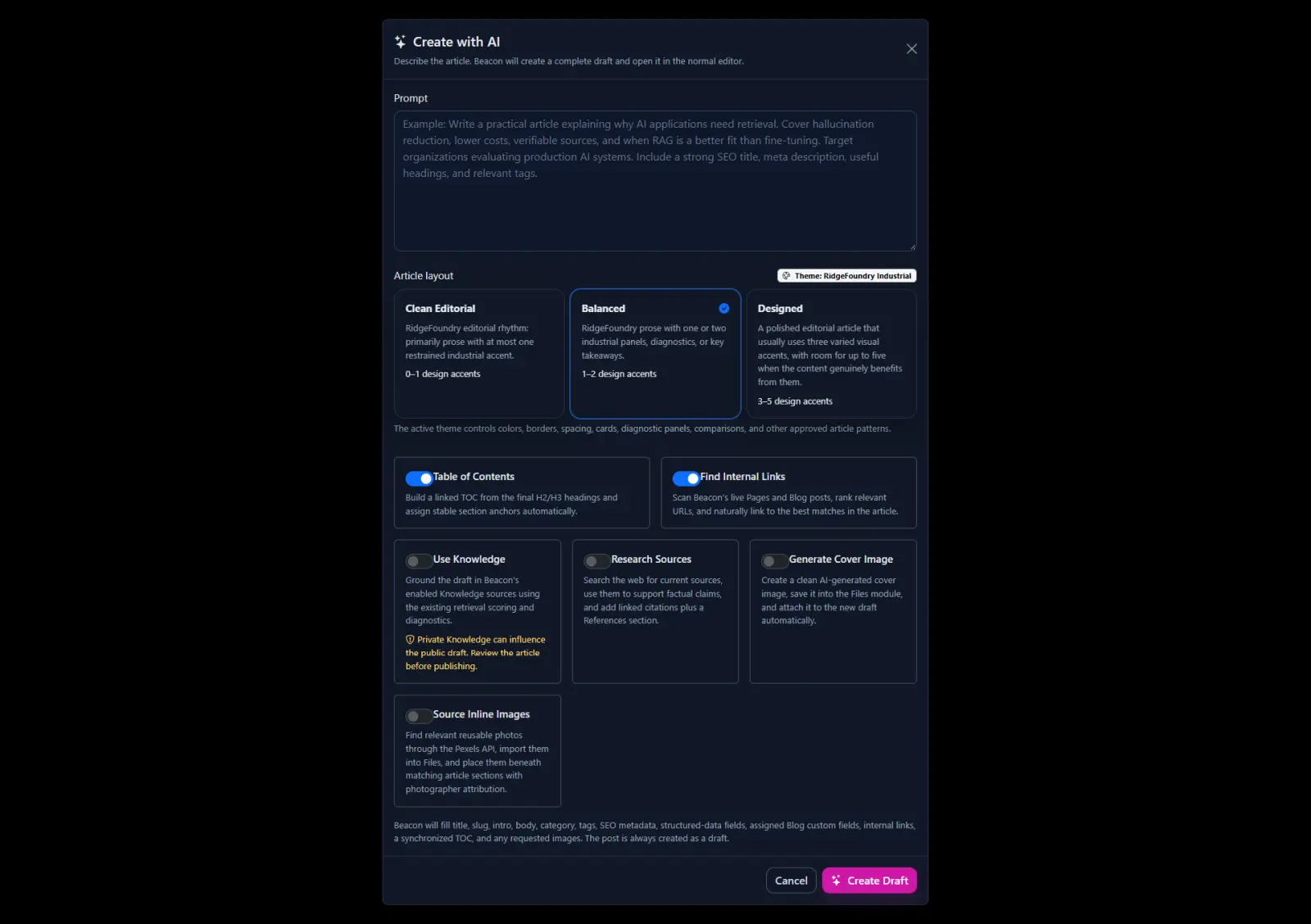
Publish articles with categories, tags, images, metadata, layouts, and AI-assisted drafting tools.
- Posts, categories, and tags
- Cover images and internal links
- SEO and structured publishing
Forms
Build structured intake for inquiries, applications, requests, and organization-specific processes.
- Custom fields
- Notifications and autoresponders
- Submission data that can feed the next step
FAQs
Maintain reusable question-and-answer sets that can be placed across the site without duplicating content.
Publishing controls
Keep URLs, titles, descriptions, indexability, schema, navigation relationships, and content presentation close to the content itself.
Turn a form submission into something staff can actually work.
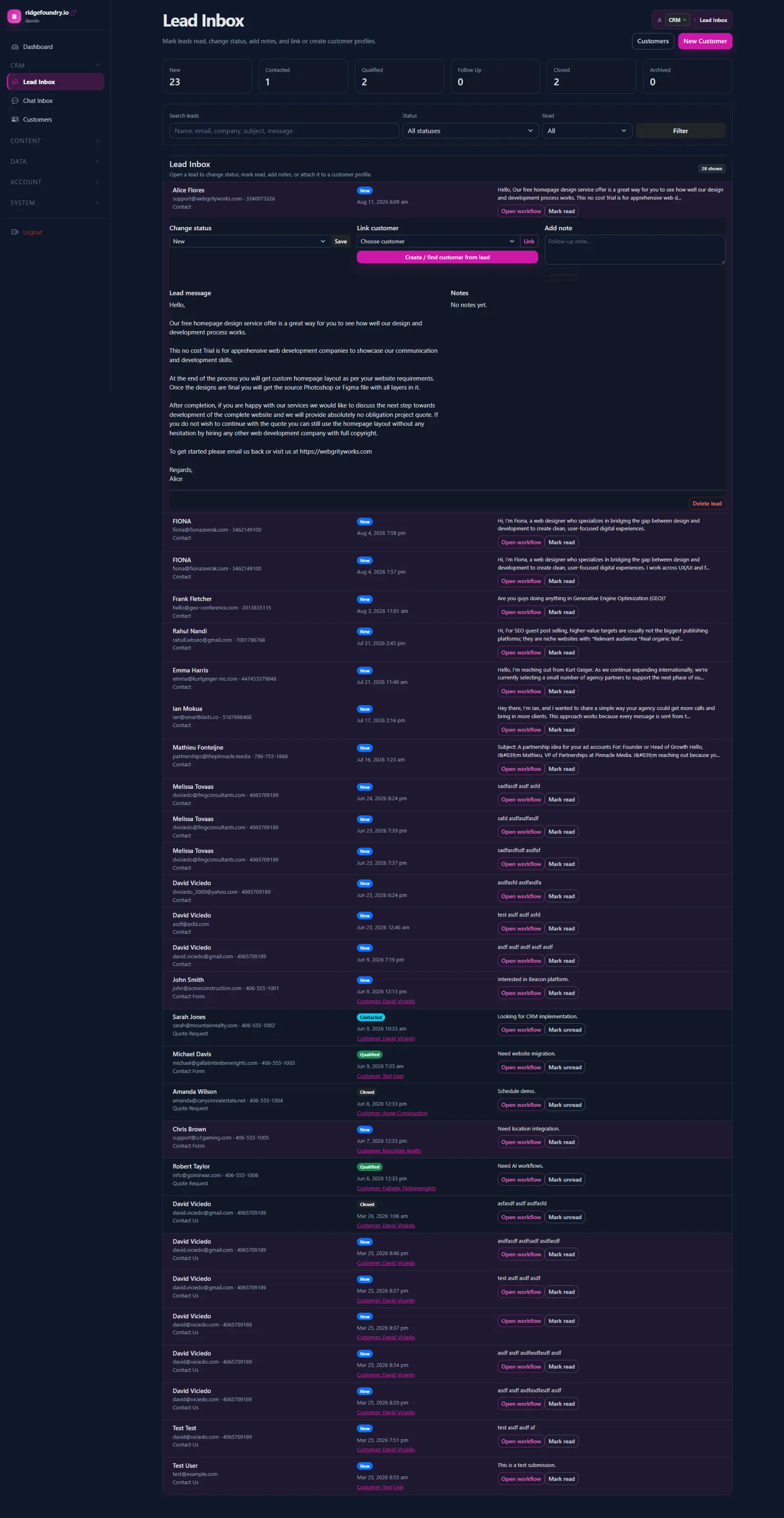
The Lead Inbox gives incoming inquiries a status and a place in the operating workflow. Customer records keep contact information, notes, communication, and related activity together.
- Review and filter new inquiries
- Move leads through New, Contacted, Qualified, and Closed states
- Connect leads to customer records
- Keep notes, emails, phone numbers, and activity with the customer
- Use intake as the starting point for workflows instead of another inbox message
Keep reusable media and documents inside the same system.
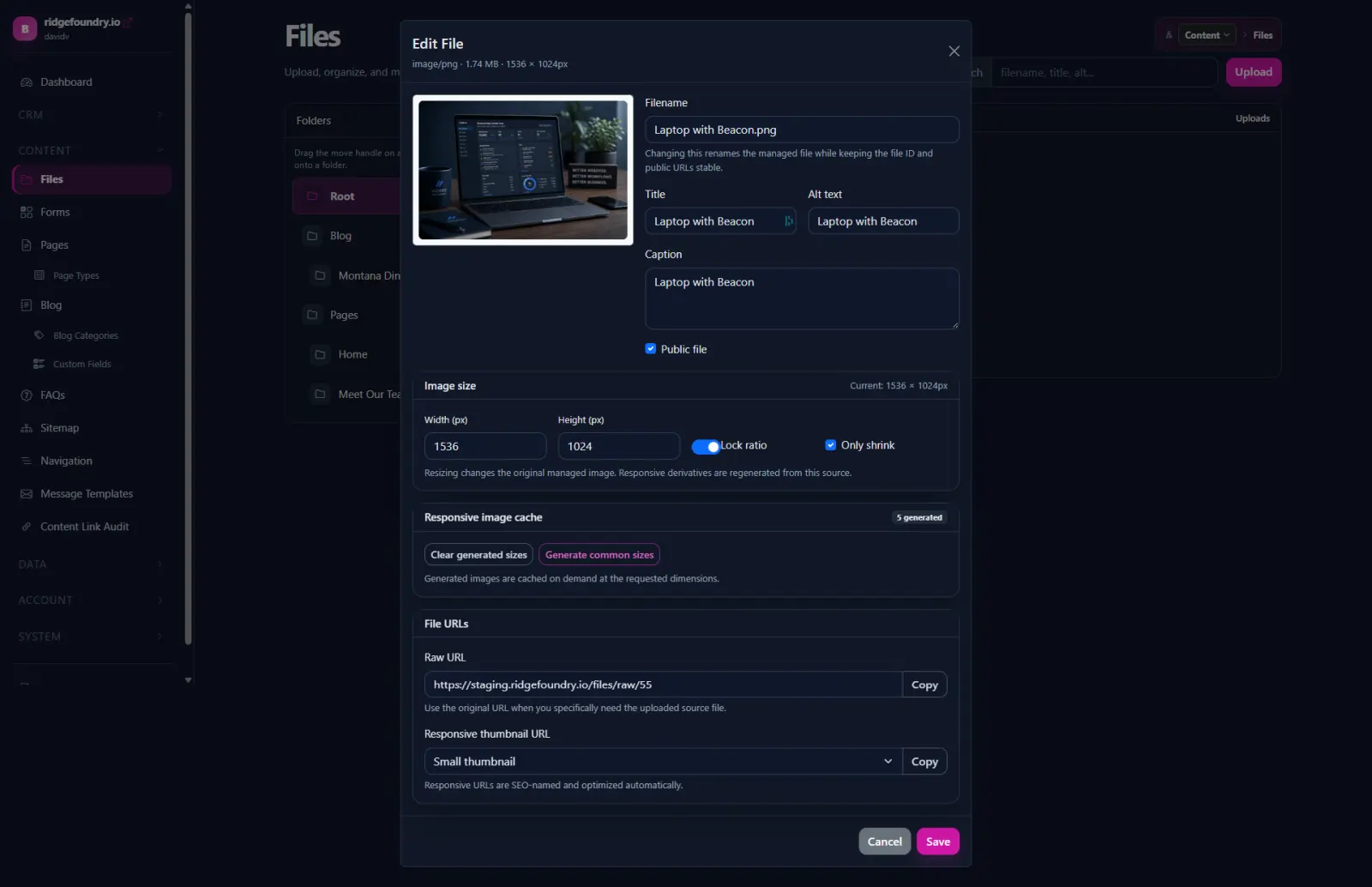
The File Manager provides a common library for images, documents, downloads, and resources used across content and custom modules.
- Folders and reusable media
- Image previews and metadata
- Upload from content pickers
- Insert files into editors and sections
- Copy direct URLs when another system needs the asset
Control the system around the content, not just the content itself.
Beacon separates structure from individual pages so navigation, sitemaps, email templates, and reusable settings can be managed deliberately.
Navigation
Manage menus, nested links, page links, module links, URLs, and drag-and-drop ordering independently from page content.
Sitemap
Keep the public content structure discoverable and make site-wide content relationships easier to inspect.
Email Templates
Maintain reusable administrative and customer-facing messages without burying email copy in controllers.
Connect intake, status, background work, and follow-up.
Beacon is moving beyond isolated admin screens toward event-driven workflows where a form submission, content change, scheduled task, or integration can start the next piece of work.
Capture
Collect structured information through forms, imports, APIs, or staff entry.
Route
Use status, rules, permissions, and events to put the work in the right place.
Process
Queue longer-running work such as AI, email, indexing, integrations, and other background jobs.
Review
Keep people in the loop where approval, judgment, or customer communication matters.
Track
Keep status and meaningful activity visible instead of hiding process history in inboxes.
Extend
Add organization-specific workflow steps without creating another disconnected application.
Use AI as shared platform infrastructure, not a collection of disconnected prompts.
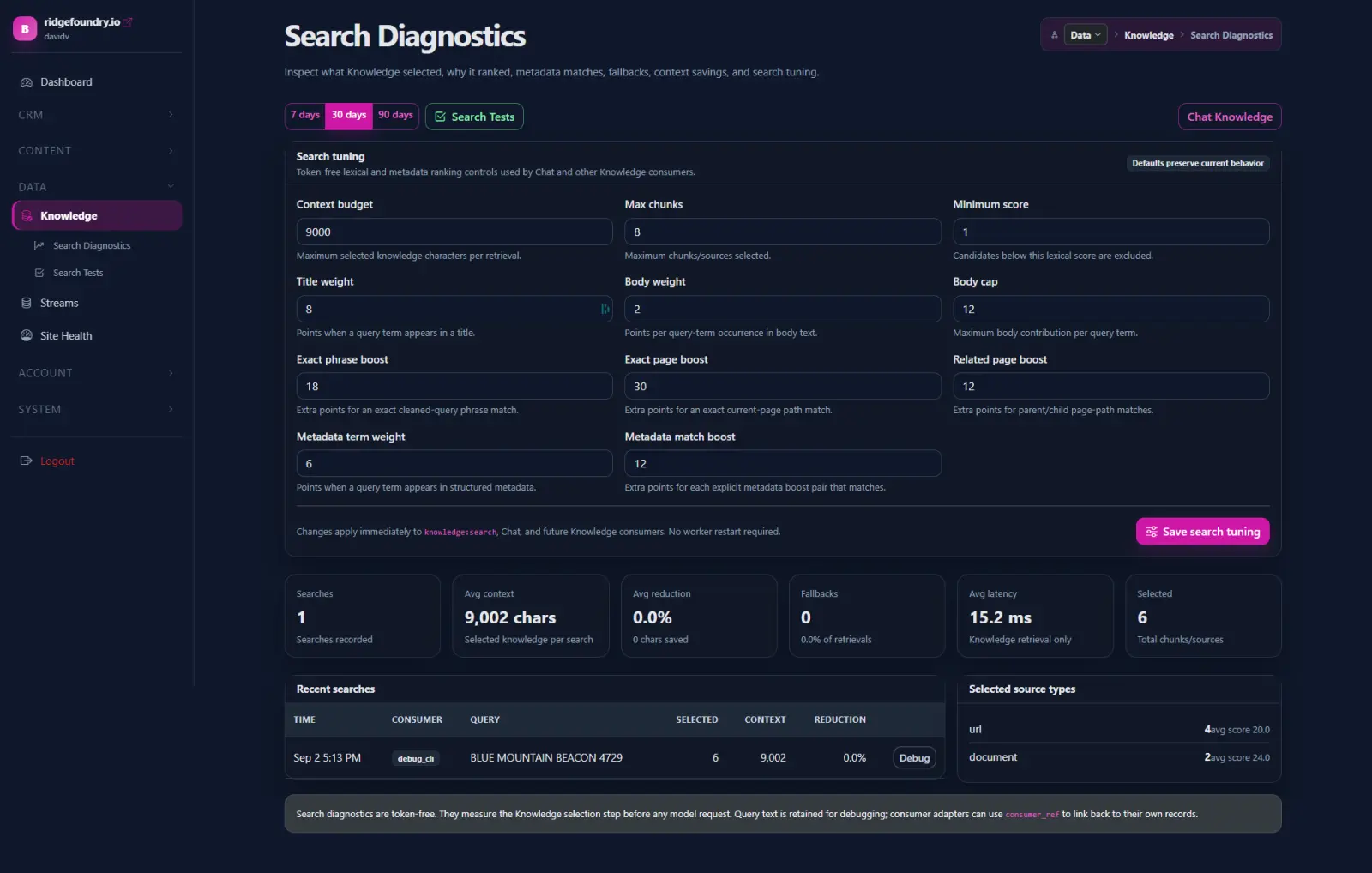
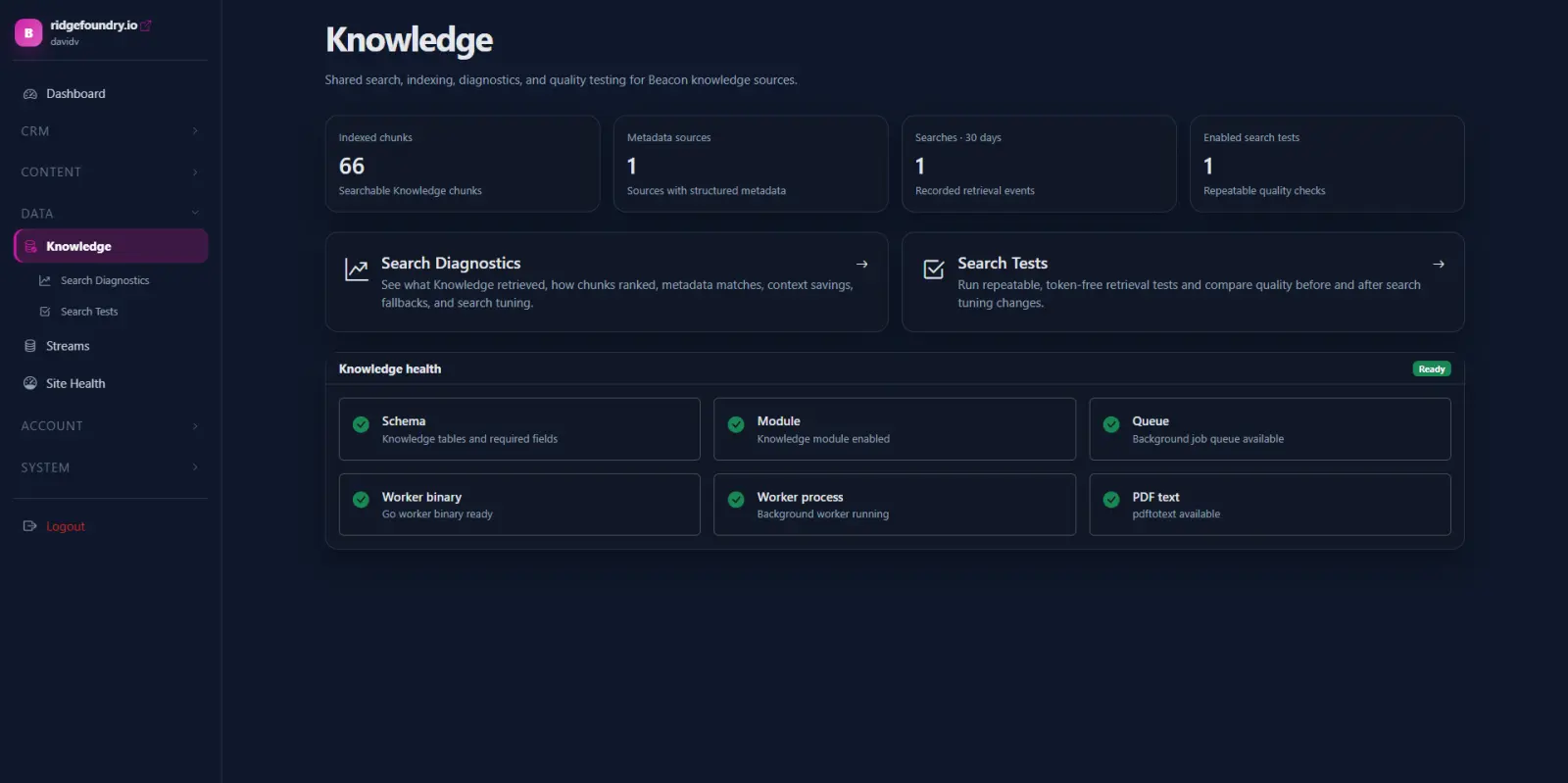
Beacon can combine approved organizational knowledge, content, prompts, tools, usage tracking, and guardrails so AI assistance can be reused across publishing, search, chat, research, and workflows.
Content assistance
Draft, revise, summarize, structure, and prepare content while keeping the final publishing decision with staff.
Knowledge retrieval
Use approved pages, documents, resources, and structured information as context for grounded answers.
Website chat
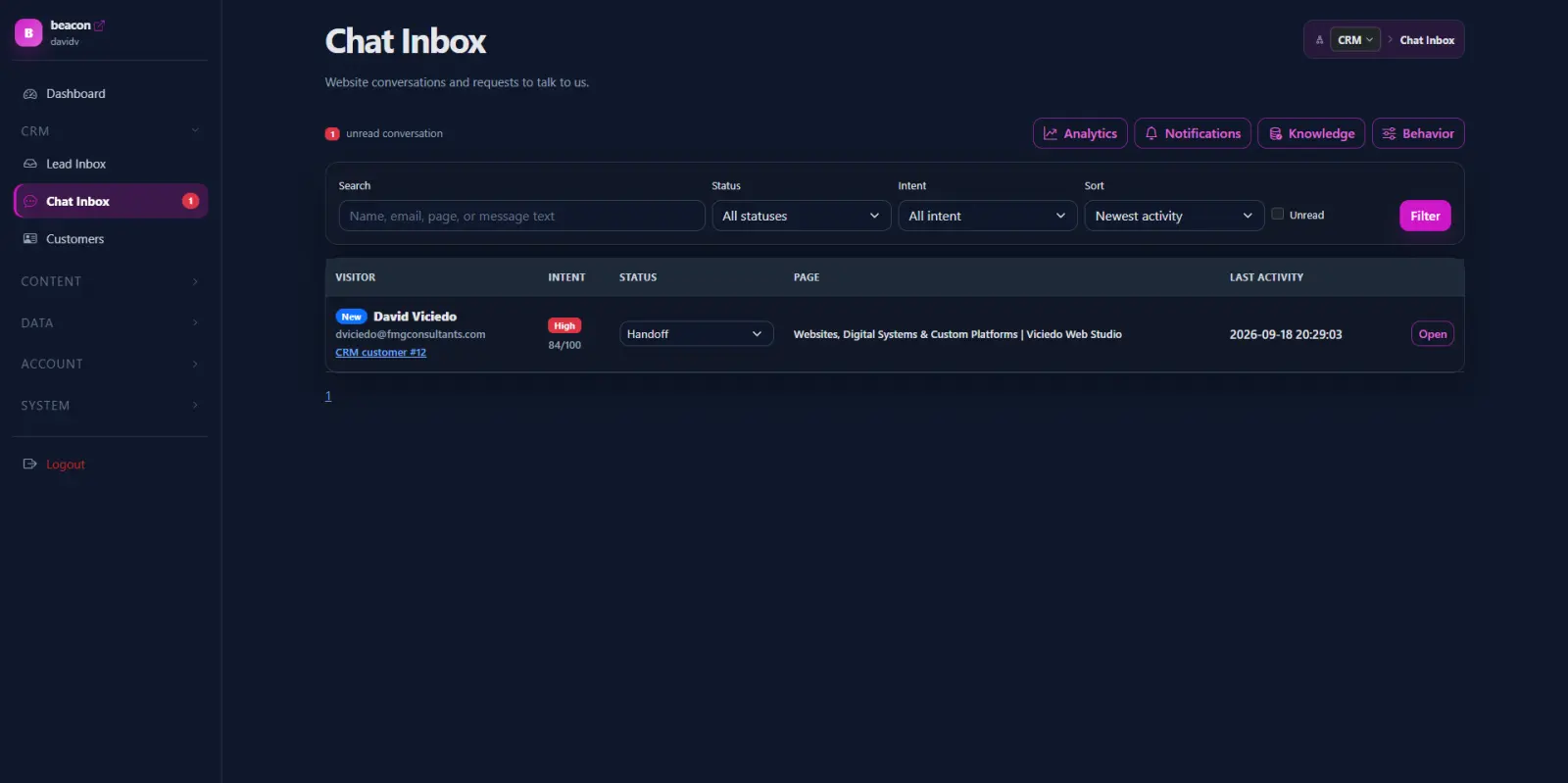
Provide page-aware answers, guide visitors, and connect useful conversations to lead capture.
Make technical website checks part of normal operations.
Site Health adds repeatable crawling and representative PageSpeed checks so technical findings can be reviewed over time instead of living in a one-time audit.
Health Check
Review up to 25 pages with three representative PageSpeed pages and one PageSpeed sample per representative page.
Extended Check
Review up to 75 pages with four representative PageSpeed pages and one PageSpeed sample per representative page.
Progress + findings
Track crawl and PageSpeed progress separately while keeping findings and check history in the administrative workflow.
Give administrators visibility into the platform itself.
Beacon includes the controls needed to manage access, configuration, themes, modules, data structures, and increasingly the background activity happening underneath the interface.
The admin is organized around capabilities.
Content, structure, CRM, data, users, and system tools remain visible without turning the workspace into a maze of unrelated plugins.
Users + Groups
Manage accounts, roles, groups, profiles, and access to the parts of Beacon appropriate to each person.
Settings + Variables
Keep site and platform configuration in one administrative layer rather than hard-coding routine changes.
Modules + Themes
Control installed capabilities and presentation while keeping the platform foundation separate from individual site themes.
Structured Data
Use streams and organization-specific records when the work needs more than normal page content.
APIs + Integrations
Provide defined interfaces for external applications, imports, exports, webhooks, and custom integrations.
Jobs + Observability
Move expensive work into background processing and improve visibility into requests, API activity, AI usage, and meaningful system changes.
Beacon installations are modular. A client does not need every screen shown or described here; the admin can be shaped around the capabilities that organization actually uses.
Beacon is designed to make the next useful capability easier to add.
Start with the website, a workflow, a resource library, a lead process, a dashboard, or another system that needs to work better. The platform can grow from there.