Start broad here. Go deeper in the Platform Tour.
Beacon combines website management with operational tools that can share the same content, files, customer information, permissions, workflows, AI infrastructure, and reporting foundation.
Content + Publishing
Manage structured website content without treating every page as a custom template.
Tour content tools ->Forms + Intake
Turn inquiries, applications, requests, and other submissions into structured information.
Tour forms ->Leads + Customers
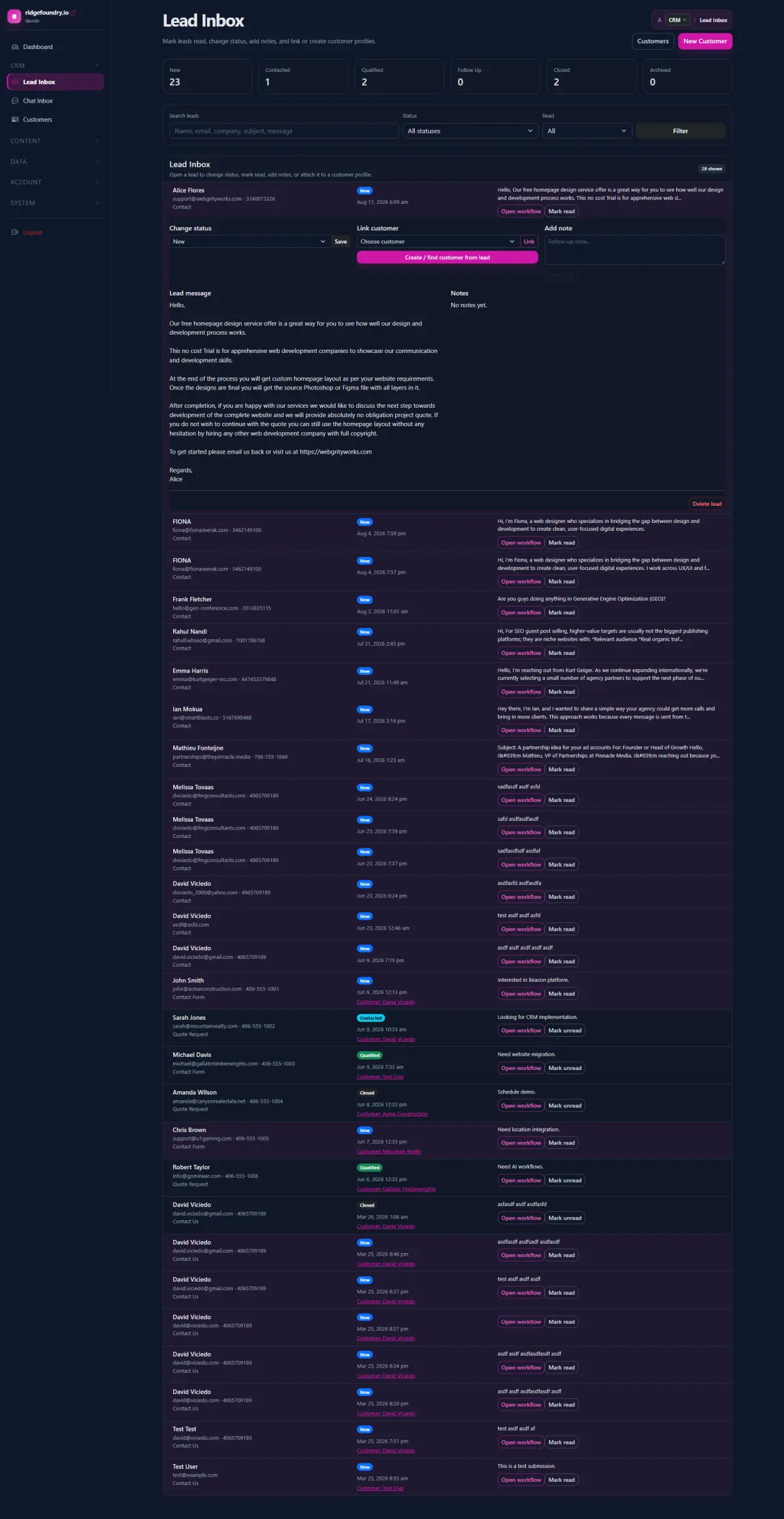
Keep intake, contact information, status, notes, communication, and customer history together.
Tour leads + customers ->Files + Resources
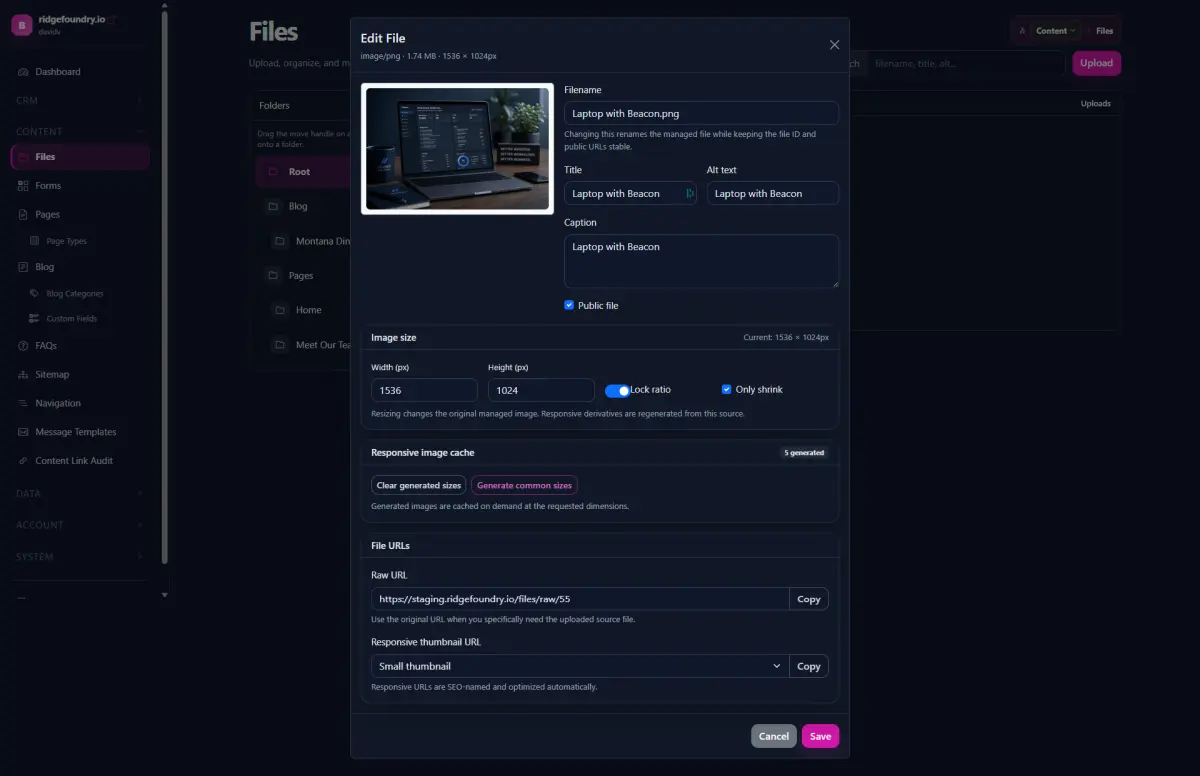
Organize reusable images, documents, downloads, and resources from one file library.
Tour the File Manager ->Workflows + Automation
Connect intake, routing, status, notifications, background jobs, and human review.
Tour workflows ->Dashboards + Reporting
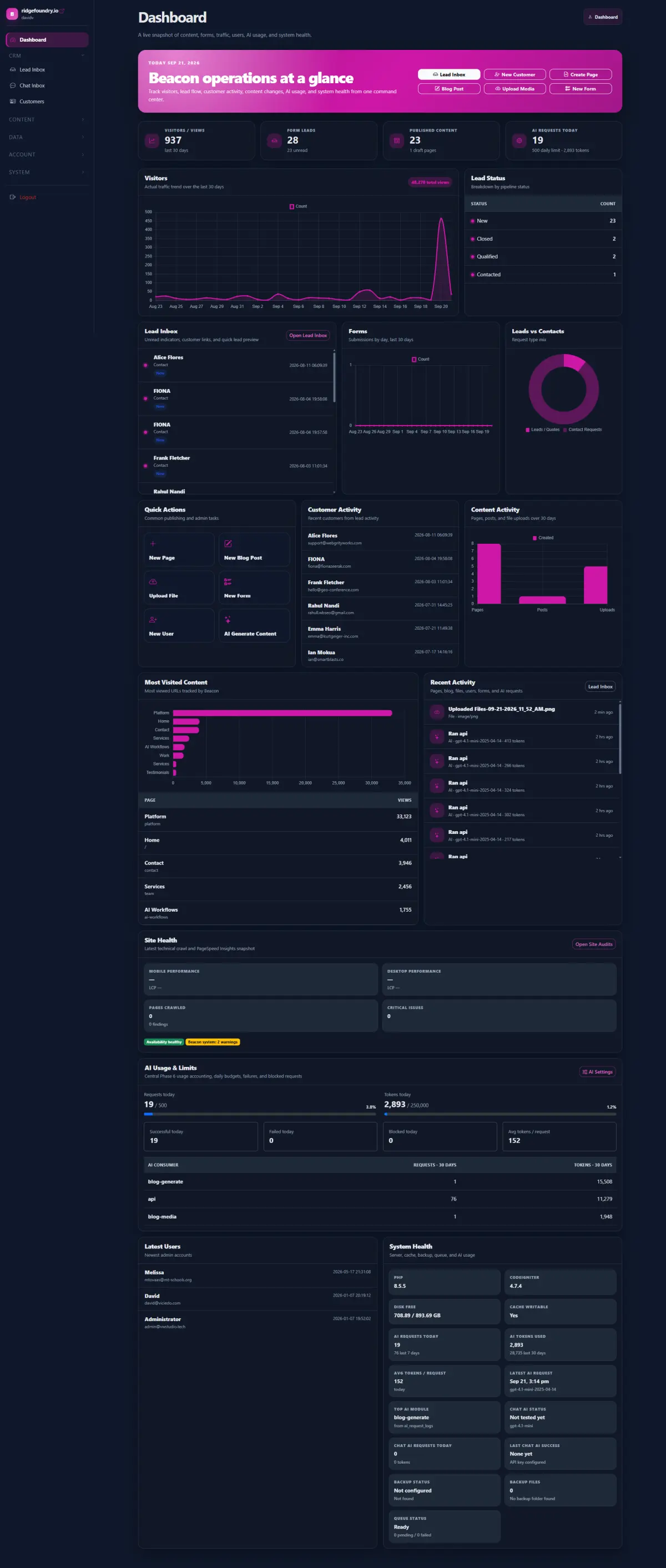
Bring website activity, leads, content, forms, system health, and operational metrics into useful views.
Tour the dashboard ->Knowledge + Search
Make approved pages, documents, and organizational information easier to discover and reuse.
Tour knowledge tools ->AI-Assisted Work
Use shared AI infrastructure for content, research, summaries, classification, chat, and workflow assistance.
Tour AI + knowledge ->Site Health
Run focused technical crawls and representative PageSpeed checks as part of ongoing website operations.
Tour Site Health ->Navigation + Structure
Manage menus, nested links, sitemaps, reusable email templates, and the structure surrounding content.
Tour structure tools ->Permissions + Administration
Manage users, groups, configuration, data structures, themes, modules, and system-level capabilities.
Tour administration ->APIs + Integrations
Connect Beacon to external applications, databases, analytics, webhooks, imports, and custom services.
Tour platform operations ->Custom modules use the same platform foundation.
When an organization needs a curriculum repository, document portal, specialized database, approval workflow, reporting tool, staff portal, or other custom capability, Beacon can add it without turning the solution into another disconnected application.
Want to see what the admin actually looks like?
The Platform Tour shows real Beacon screens and walks through the major areas of the administrative workspace.