When spreadsheets, texts, email, and accounting software stop being enough.
Small and mid-sized contractors often do not need a giant enterprise platform. They need one dependable place to keep the work moving between the first inquiry, the job, the field, the office, and the customer.
Leads live in too many places
Website forms, phone calls, texts, and email create follow-up work before the project even starts.
Job information gets scattered
Photos, notes, documents, approvals, and customer conversations become difficult to find later.
The office becomes the glue
Staff manually move information between spreadsheets, accounting software, calendars, inboxes, and field crews.
Keep the work your team actually needs in one place.
Beacon can be configured around the way your company already estimates, schedules, communicates, documents jobs, and follows up.
Leads & Intake
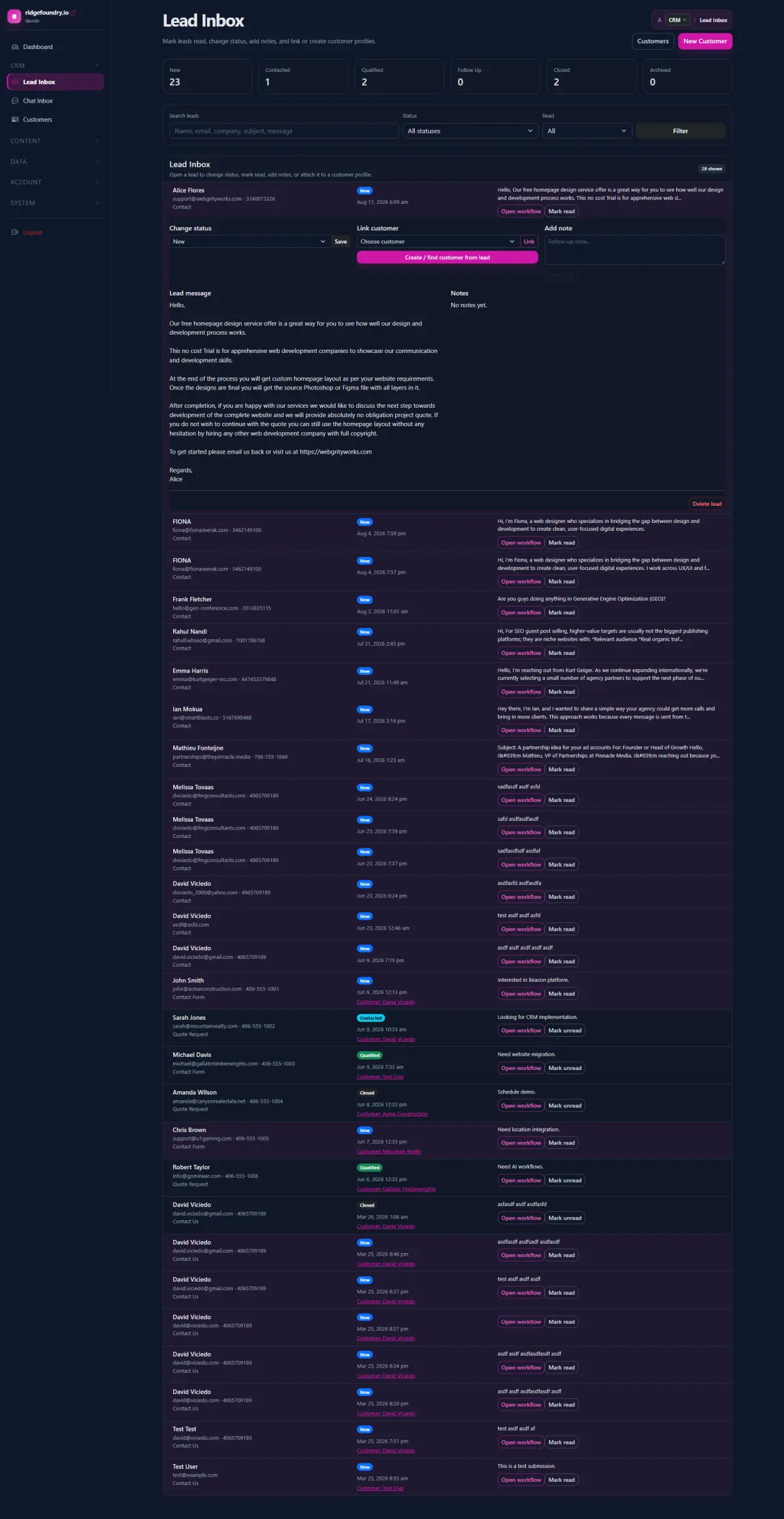
Capture website inquiries, referrals, project details, contact information, and follow-up status without rebuilding the same record in several systems.
Jobs & Workflow
Track the job stage, assigned people, required information, next actions, and important dates using a workflow that matches your company.
Photos, Files & Notes
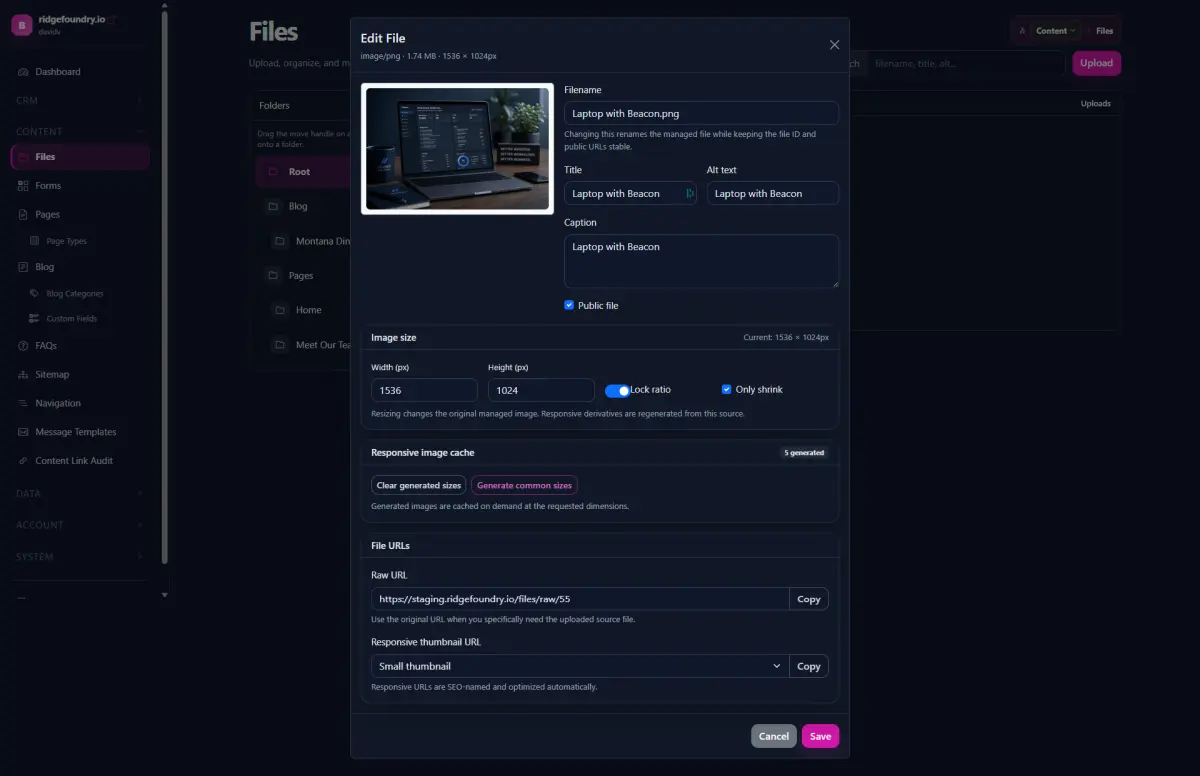
Keep site photos, plans, documents, notes, and customer-facing files connected to the job instead of buried in texts and shared drives.
Approvals & Changes
Build structured review steps for selections, scope changes, change requests, internal approvals, or other repeatable decisions.
Customer Context
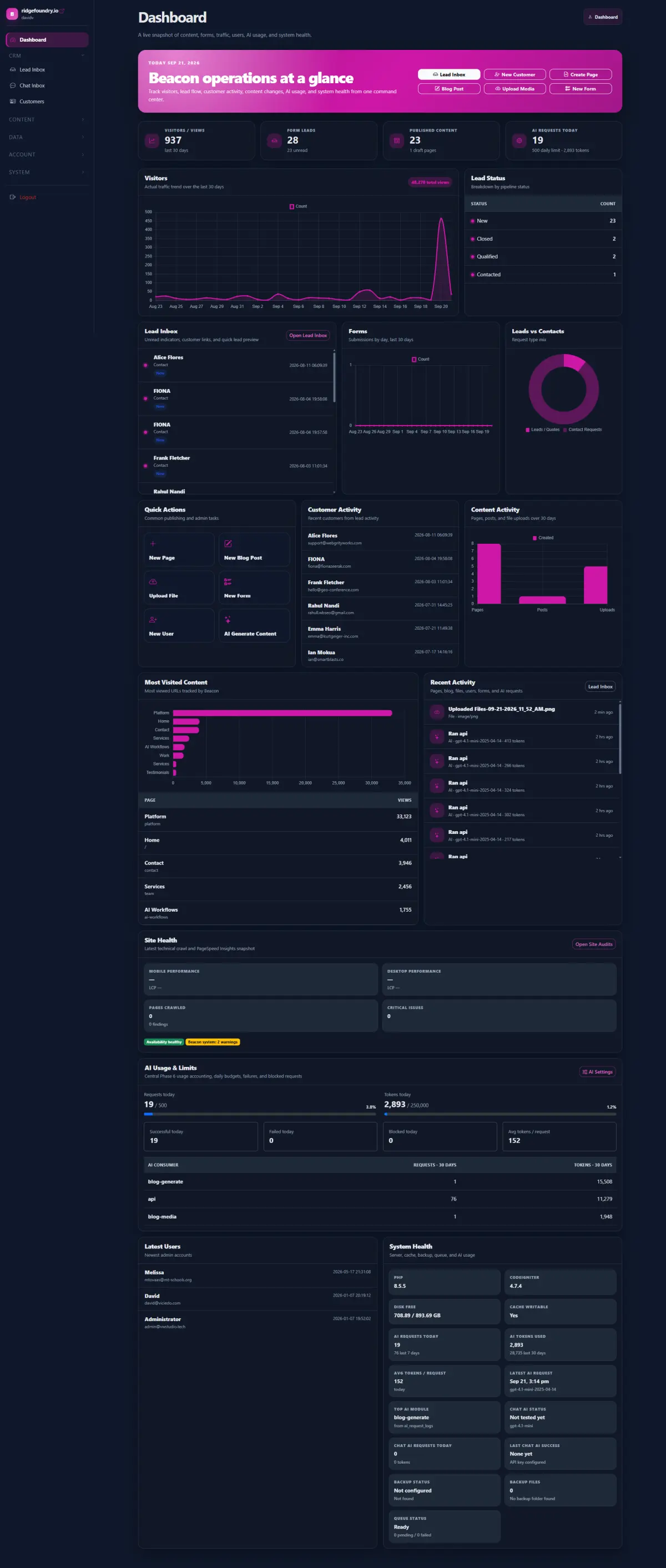
See the inquiry, project history, forms, notes, files, and communication context together when a customer calls.
Integrations
Keep accounting, payments, calendars, email, or other specialized systems where they make sense and connect Beacon around them.
From inquiry to completed work without recreating the same information.
Capture
A lead enters through the website, staff intake, referral, or another connected source.
Qualify
Collect the project details your team needs and surface what is still missing.
Run the job
Keep status, files, notes, photos, approvals, and next actions connected to the same record.
Follow through
Trigger follow-up, closeout tasks, customer communication, reviews, or future service reminders.
Use AI to prepare the work around the job.
AI is most useful when it handles repetitive interpretation and preparation while your team keeps control of customer communication, pricing, scope, and field decisions.
Lead Agent
Summarize an inquiry, identify missing project information, and prepare the record for follow-up.
Job Agent
Watch for missing documents, stalled steps, incomplete fields, or upcoming actions that need attention.
Research Agent
Gather approved public or connected information and attach useful context before staff reviews it.
You do not need to replace the software that already does its job well.
Beacon is usually strongest as the operational layer between your website, your team, and the specialized systems you already rely on.
Keep accounting specialized
Connect to accounting rather than trying to turn your website platform into an accounting package.
Build around your process
Use Beacon for the parts that are currently spreadsheets, inboxes, text threads, custom forms, or manual coordination.
Start with one bottleneck
Lead intake, job files, approvals, scheduling context, or follow-up can be a practical first implementation.
Expand when it earns its place
Add dashboards, customer access, integrations, reporting, or AI-assisted workflows when they become useful.
What part of running jobs still depends on somebody remembering to move the information?
That is usually the right place to start. We can map the current process and build the smallest useful system around it.